
The decision this guide helps you make
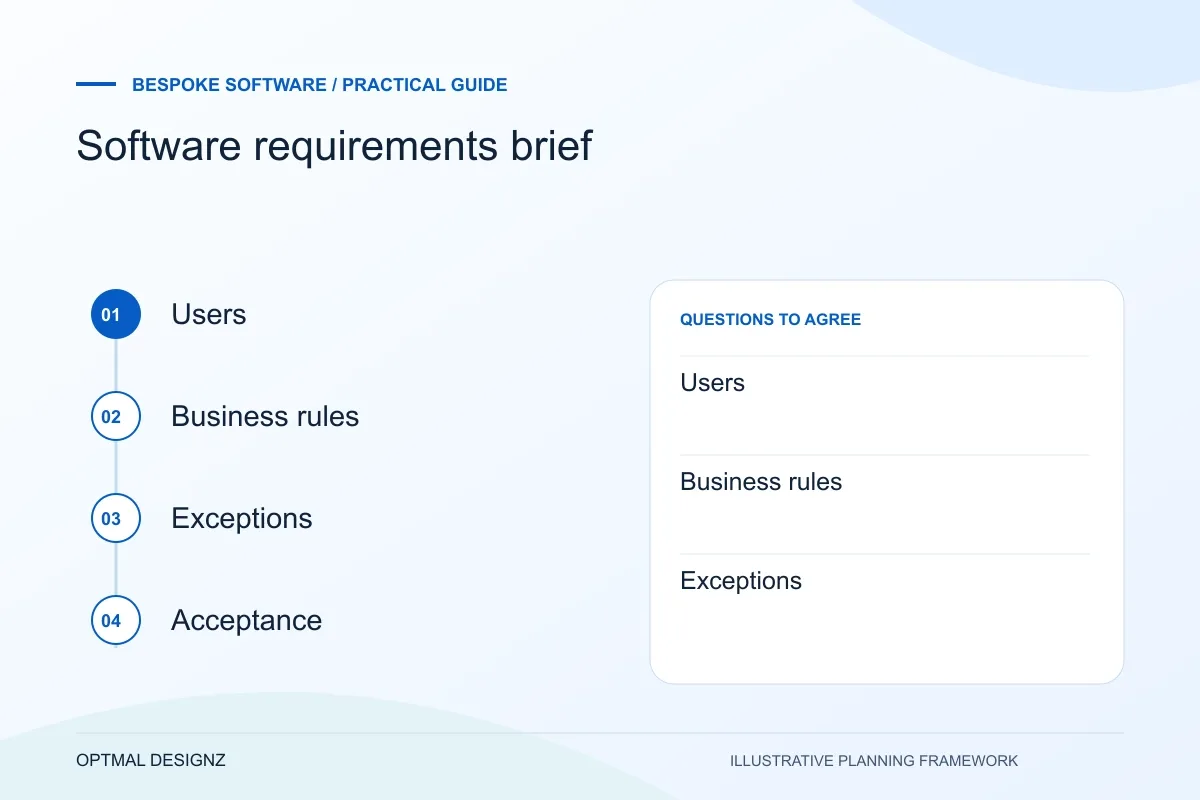
A software requirements brief describes the task, users, records, business rules and acceptance evidence for a proposed application. It explains the problem before prescribing screens or technology.
A useful brief gives a delivery team enough context to ask better questions and estimate responsibly. It does not need to be a 100-page specification.
Record one complete workflow with normal and exception cases. Identify what is essential now, what can wait and who can approve the result.
A practical example to test the choice
Instead of “we need a dashboard”, specify which decision a manager must make, the source of each number and the action available when a value is wrong.
This is an illustrative planning scenario, not a claim about a completed client project. Use your own records and operating rules to confirm whether the approach fits.
Explain the context before listing features
Begin with the business situation and the reason the project is being considered. Describe what happens today, who is involved, what is difficult and what must improve. Separate known facts from assumptions so the team can see where investigation is needed.
Name the people who will use or be affected by the system. A process can look simple from a management view but involve different permissions, accessibility needs, devices or hand-offs for frontline users. Include customers, suppliers or advisers where their actions affect the workflow.
Prepare the Oman commissioning conversation
Bring a sample task, the current difficulty and the systems involved to the first discussion. Include the people who will use the result and the person who can approve the scope. Establish what improvement would look like without assuming that a new application is always the answer.
Agree the working language, review windows, quoted currency and delivery responsibilities for the Oman engagement. Define how changes, third-party costs, access and handover will be handled. A country-specific website page is not evidence of a local office or an automatic on-site support arrangement.
Describe journeys, data and exceptions
Write a few representative scenarios from start to finish. Include the normal path and the situations where work stops, changes or needs approval. These scenarios give designers and developers something concrete to map and test.
List the records the system handles, where each record comes from, who owns it and which other tools need it. Do not send sensitive personal data in an initial brief; use anonymised examples and agree secure handling before sharing real records.
- Primary users and their responsibilities
- Current process and key pain points
- High-priority journeys and exceptions
- Systems, devices and required integrations
- Data ownership, access and reporting needs
- Constraints, dependencies and decision-makers
Make requirements testable
Avoid statements such as “easy to use” or “fast” unless you explain how the team will judge them. Turn them into observable outcomes: a user can complete a defined task using a keyboard; a report can be filtered by an agreed date range; a failed sync is visible to an owner and can be retried safely.
Rank requirements as essential, important or later. This helps suppliers separate the first release from future ideas and makes trade-offs easier when budget, time or technical constraints appear. Ask the team to explain how each essential requirement will be demonstrated and accepted.
Record assumptions and decisions
Include the desired decision date, known deadlines, budget range if available and any external approvals. State whether you already own a domain, cloud account, platform subscription or API access. These details can change a proposal materially.
Keep the brief as a working document. A discovery conversation should challenge unclear assumptions, identify the smallest useful scope and produce a shared plan. The goal is enough clarity to make the next decision, not premature certainty about every screen.
Write the exceptions beside the requirement
For each important task, include a missing input, a rejected approval and a person acting outside their normal record scope where relevant. State who resolves the situation and the expected system response. These examples make the requirement easier to review and test than an isolated feature name such as approval workflow. They also help separate a simple first release from broader permissions or integration work.
Apply the checklist to your Oman project
For an Oman software brief, trace a hand-off between the teams and locations that actually use the process. Include delayed responses, OMR values where relevant and the data that must remain consistent across the current applications.
Use the example above to discuss software requirements brief with the people who will use or approve the result. Ask a supplier to demonstrate the expected output, explain a failure case and identify what is excluded from the proposal.
Related services and next steps
Sources and further reading
Check source guidance directly, especially where platform details or requirements can change.