
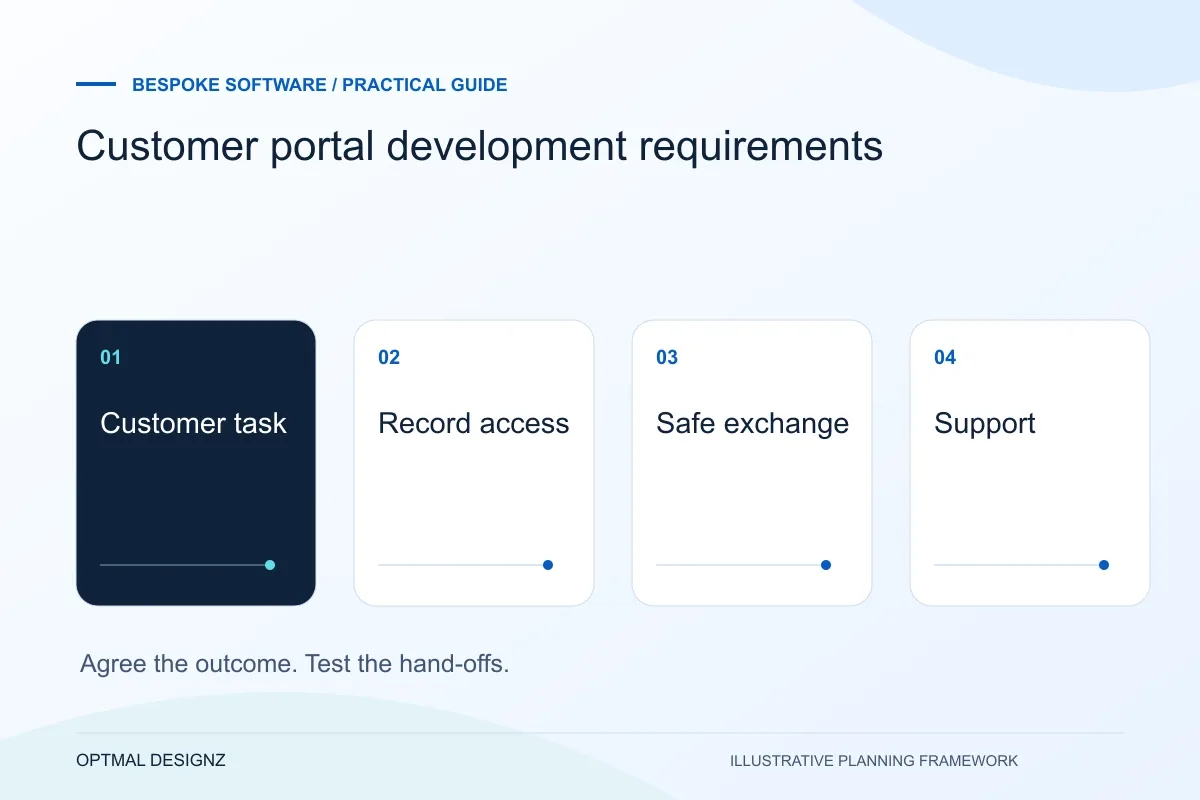
The decision this guide helps you make
Customer portal requirements define what authorised customers can see and do in their own online account. The important decisions are record ownership, account permissions, complete tasks and connections to the systems used by staff.
Define a customer portal around useful tasks, record access, document handling, support and the responsibilities needed to operate it.
Choose one useful customer task, define its permissions and acceptance cases, then compare the portal features already available in the current CRM or commerce platform.
A practical example to test the choice
A customer could approve their latest quotation and receive a confirmed status. The portal must reject an old revision and prevent access to another customer’s quotation.
This is an illustrative planning scenario, not a claim about a completed client project. Use your own records and operating rules to confirm whether the approach fits.
Choose a reason for the customer to sign in
A portal needs a task worth moving out of email or telephone conversations. Examples to assess include checking a request’s status, sharing a document, approving work or accessing an agreed record. Select the most useful journey first rather than presenting an account dashboard with little information customers need.
Map what happens when a customer cannot complete the task. They may need to correct an input, ask a question or contact staff. Define the internal owner and response workflow so the portal does not become a new channel that nobody monitors.
Define the Oman operating model behind the request
Write down a representative task, the users involved and the record that proves it is complete. A trading company may pass an order from a Muscat office to a warehouse; a service business may need a customer portal and internal approval. The useful software scope follows the task rather than a list of fashionable modules.
Establish which records belong to a branch, warehouse or legal entity. Agree OMR handling, language fields, authorised access and the existing systems that need to connect. Review hosting and personal-data arrangements with the responsible business owners before using live information in a prototype.
Treat account access and record access as separate decisions
Signing in establishes an identity; it does not by itself establish which company’s orders or documents that person can see. OWASP’s authorization guidance emphasises access decisions and checks on requests. Ask the development team how it will test users attempting to reach records outside their permitted scope.
If uploads are necessary, agree allowed types, size limits, storage and review arrangements. OWASP documents risks and protective measures for file uploads; the actual design still needs a risk assessment. Do not collect documents simply because an upload control is easy to add.
Specify administration and support alongside the portal
Staff need a way to invite, remove and assist users, resolve incorrect records and understand an incomplete request. Decide what should be visible to customers and what remains internal. Notifications should point to a real action rather than expose unnecessary information in an email.
Before acceptance, test an invitation, a revoked user, an incorrect record association and a failed document submission. Confirm account recovery and export needs. Include ongoing support, monitoring and changes to permissions in the operating plan rather than treating launch as the end of responsibility.
Request a customer-task access matrix
For each portal task, specify the user relationship, records available and action allowed. Include a person representing more than one account where that is a genuine requirement. Add the staff action that follows the customer’s submission and the support route if it fails. Review invitations, account recovery and removal alongside normal use. The matrix helps ensure that a friendly interface has a defined internal process and that permissions follow the actual customer relationship rather than an assumed shared account.
| Portal action | Boundary to define |
|---|---|
| View a document | Which customer relationship permits access? |
| Submit a change | Who reviews it and what status is shown? |
| Remove a user | Which active sessions and future access are affected? |
Worked example: a planning exercise
Hypothetical example: a supplier wants customers to approve artwork. Its first portal supports viewing the current version, approving it or requesting a change, with a clear staff owner. Payment, chat and a general analytics dashboard remain outside the first phase. The acceptance test follows a revision cycle and checks that another customer cannot access the file.
Your practical checklist
Use these checks to turn the discussion into decisions that can be assigned, tested and reviewed.
- Name the customer task that makes an account worthwhile.
- Map the staff action following each customer request.
- Define record-level permissions and removal of access.
- Limit uploads to a documented need and agreed controls.
- Test recovery, incorrect associations and unsuccessful submissions.
- Agree monitoring, user support and account administration.
An illustrative first-release scope
Consider a supplier whose customers repeatedly ask whether a quotation has been approved. A focused first portal could let an authorised customer see one current quotation, submit a decision and see the resulting status. Staff would review exceptions in the system that owns the quotation. This is a hypothetical scope, not a claim about a delivered client project.
Acceptance checks would include a revised quotation, an expired invitation, a duplicate decision and an attempt to access another customer’s record. Payments, a complete product catalogue and unrelated support features can remain outside this first release. The point is to define a complete, reviewable task before expanding the feature list.
Apply the checklist to your Oman project
For an Oman software brief, trace a hand-off between the teams and locations that actually use the process. Include delayed responses, OMR values where relevant and the data that must remain consistent across the current applications.
Use the example above to discuss customer portal development requirements with the people who will use or approve the result. Ask a supplier to demonstrate the expected output, explain a failure case and identify what is excluded from the proposal.
Related services and next steps
Sources and further reading
Check source guidance directly, especially where platform details or requirements can change.