
The decision this guide helps you make
Software integration planning defines what information moves, which system owns it, when it changes and how errors are recovered. A reliable connection needs those operating rules as well as an API.
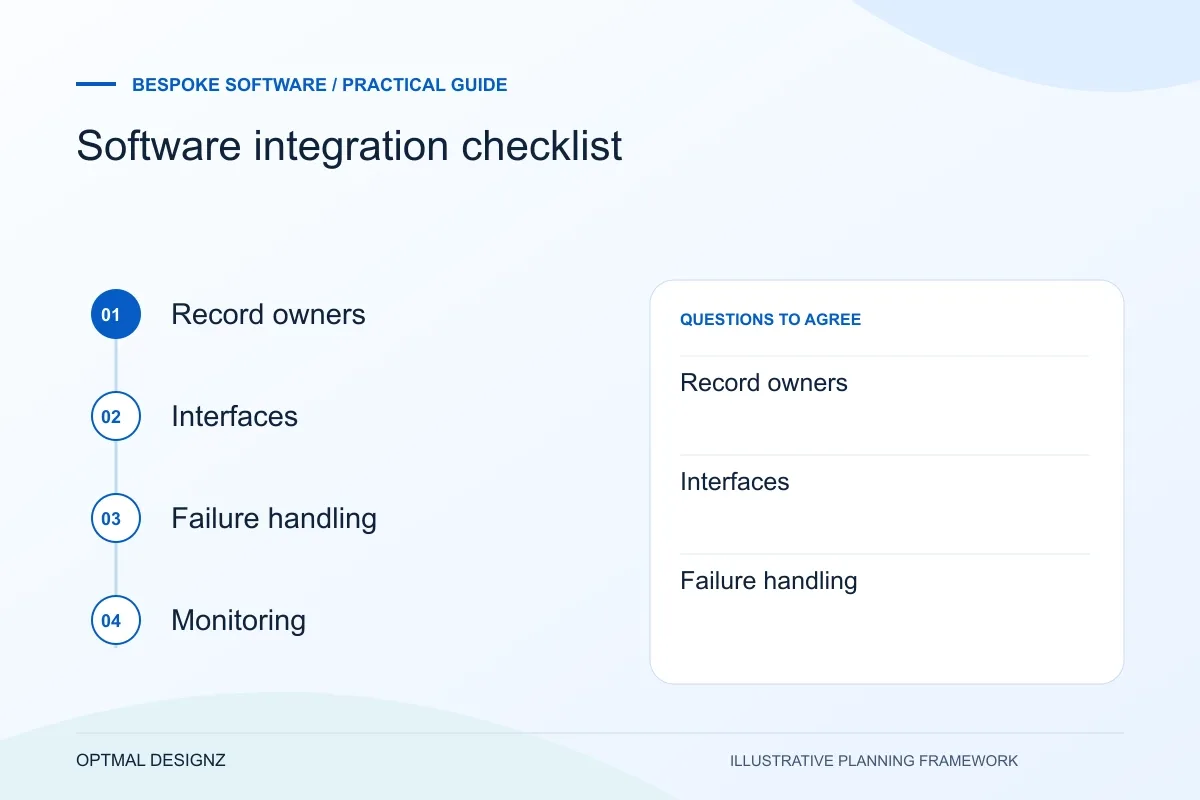
A reliable integration needs clear ownership and recovery rules as much as it needs a technical connection. Use this checklist before choosing an approach.
Agree sources, fields, events, permissions and acceptance cases. Compare an existing connector with custom development based on the actual mappings and recovery needs.
A practical example to test the choice
A shop order might create a fulfilment request, but a repeated event must not create a second order. The integration needs stable references and a safe retry rule.
This is an illustrative planning scenario, not a claim about a completed client project. Use your own records and operating rules to confirm whether the approach fits.
Define the outcome and system boundaries
Write down the business event that should move between systems and why. For example, an approved order may need to create a fulfilment task, while a completed payment may update a finance record. Keep the first scope specific enough that the team can identify the source, destination and expected result.
Inventory the systems, versions, plans, APIs and data owners involved. A product may expose different capabilities under different subscription tiers, and an organisation may not control the credentials or configuration required. Verify access and vendor constraints early.
Map the records and interfaces used by the Saudi business
Start with the actual software edition, subscription and authorised interfaces. Trace one customer, order, invoice or stock movement from its owner to the receiving system. Define stable references and what happens when the same event arrives again or an approved record is corrected.
Confirm Saudi account capabilities with the selected payment, shipping or application providers. Where invoice data is involved, assess current ZATCA requirements with finance separately from general API connectivity. Agree permitted access, monitoring and ownership of failed transfers before implementing the connection.
Agree records and field mappings
Choose which system is authoritative for each record and field. If two tools can edit the same value, decide how conflicts are resolved and which timestamp, status or approval wins. Document identifiers, units, currency, time zones, null values and permitted formats.
Map a few realistic examples, including incomplete and corrected records. This reveals whether a direct connection, middleware or a small custom service is appropriate. Keep mappings versioned so future changes can be understood and tested.
- Source and destination for every event
- System of record for each shared entity
- Identifiers, formats and validation rules
- Create, update, delete and duplicate behaviour
- Permission model and credential ownership
- Expected volume, latency and operating hours
Design failure handling before launch
Networks fail, vendors change APIs and data does not always meet expectations. Decide how the integration detects an error, who is notified, what can be retried and how duplicate effects are prevented. A retry should not create a second order or post a transaction twice.
Keep enough logs to diagnose and reconcile events without storing unnecessary sensitive content. Define how long records are retained, who can access them and how the service behaves if a destination is unavailable. Microsoft’s API guidance discusses idempotency and safe retry behaviour for state-changing operations.
Test the whole workflow and name an owner
Test valid, invalid, duplicate, delayed and out-of-order messages. Reconcile the source and destination after each scenario, and confirm that someone can see and resolve exceptions. Include security checks, access revocation, backup and rollback planning where applicable.
Before release, name the business owner and technical support contact. Document vendor dependencies, monitoring, change procedures and what happens when a system is upgraded. Integration maintenance is ongoing operational work, not a one-off launch task.
Ask how a repeated request is recognised
Have the supplier explain what happens when the connection times out after the destination may already have acted. Agree how repeated requests are identified, which failures can be retried and how staff inspect an unresolved item. Test the destination record as well as the response message so the acceptance check covers the business result.
Apply the checklist to your Saudi project
For a Saudi software brief, specify Arabic/English users, business entities and the approved source of each record. Use representative permission and handover cases, with hosting, data handling and any sector-specific obligations reviewed by the responsible people.
Use the example above to discuss software integration checklist with the people who will use or approve the result. Ask a supplier to demonstrate the expected output, explain a failure case and identify what is excluded from the proposal.
Related services and next steps
Sources and further reading
Check source guidance directly, especially where platform details or requirements can change.