
The decision this guide helps you make
POS means point of sale; EPOS refers to an electronic point-of-sale system. In a buying decision, the important distinction is what the actual product and integrations support, not whether the supplier uses one label or the other.
In Saudi business conversations, POS and EPOS are often used interchangeably. Compare what the system does at the counter and behind it before choosing terminology.
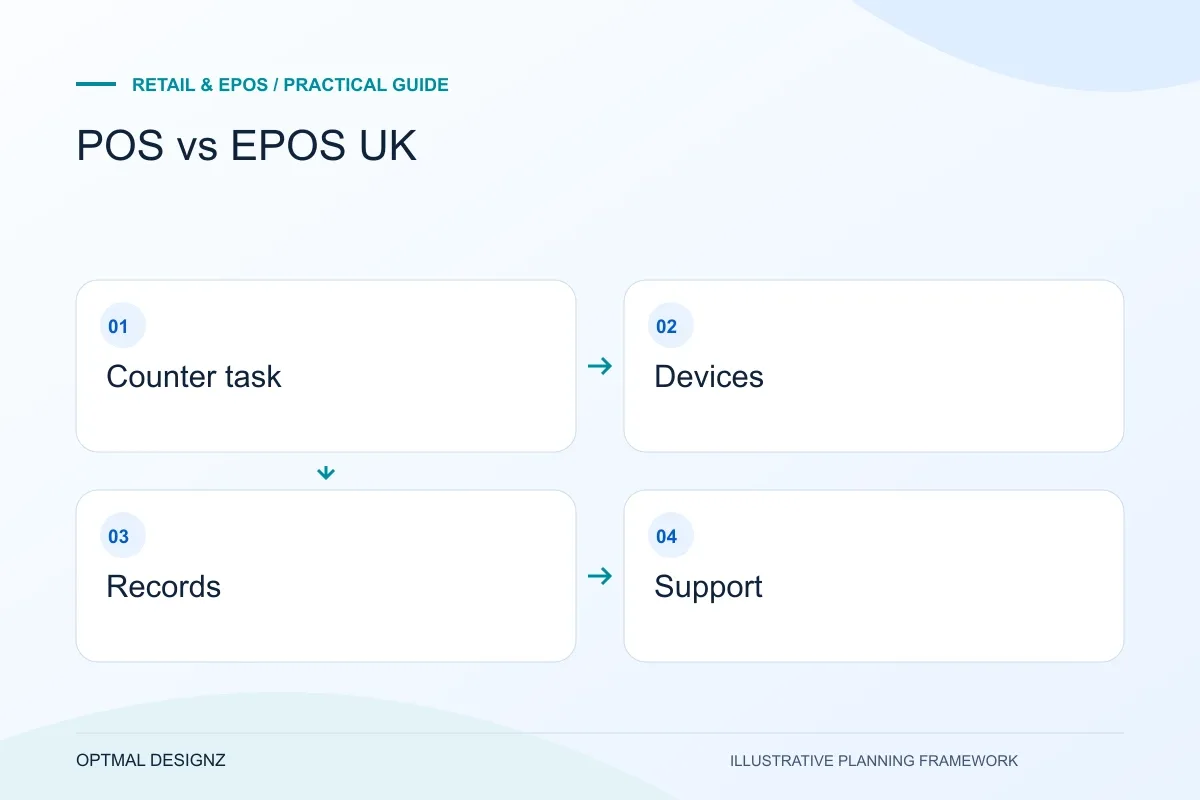
Compare complete sale and return tasks, hardware, payment support, stock ownership, permissions and reporting. Verify offline behaviour separately.
A practical example to test the choice
Two suppliers may describe their tills differently but both record sales. Only one may support the required return, stock-transfer or provider connection for the operation.
This is an illustrative planning scenario, not a claim about a completed client project. Use your own records and operating rules to confirm whether the approach fits.
The terms overlap in everyday use
POS means point of sale: the place or process where a customer pays. EPOS usually refers to an electronic point-of-sale setup that combines till software and associated devices. Suppliers may use POS, EPOS, ePOS or till system in overlapping ways, so the label alone rarely tells you whether a product fits.
A card reader that accepts payments is not necessarily a full retail system. A broader setup may record products, discounts, refunds, customer details, staff actions and stock changes. Ask the supplier to show the complete workflow and list the hardware and software included.
Assess the actual Saudi till, payment and invoice setup
List the POS edition, terminals, printers, scanners and merchant accounts in use. Follow a sale through payment status, stock and finance reconciliation. A product demonstration does not establish support for a specific Saudi terminal, account or interface; obtain confirmation for the chosen setup.
Review invoice requirements with finance using current ZATCA materials, including any applicable FATOORA connection. Plan SAR amounts, returns, branch permissions and recovery when a connection fails. Test a complete sale and correction with representative staff before expanding to more stores.
Compare the work around a sale
Start with the sale itself: how staff find products, apply promotions, handle exchanges, split payments and correct mistakes. Then trace what happens after payment. Does the system update inventory, create a receipt, post a transaction to accounting and make the sale visible in reporting? Which parts are automatic and which still require re-entry?
For hospitality, include menus, table or order handling, modifiers, kitchen tickets and service charges where relevant. For retail, test variants, barcode scanning, purchase orders, stock counts and transfers. The useful feature set depends on the business model rather than a universal checklist.
- Payments, refunds and reconciliation
- Product catalogue, variants and promotions
- Stock updates and multi-location transfers
- Staff roles and audit records
- Customer or loyalty workflows
- Accounting, ecommerce and reporting connections
Assess hardware and operating conditions
Check device compatibility, receipt printers, cash drawers, scanners and payment terminals. Ask whether the software depends on a stable internet connection and what happens during an outage. Confirm how updates are delivered and who supports the hardware as well as the software.
Calculate ongoing costs from the supplier’s current written terms: subscription, payment processing, add-ons, extra tills, hardware replacement, support and data export. Do not compare advertised entry prices without checking the transaction and contract details that apply to your situation.
Test before changing a live till
Run realistic scenarios in a demo or pilot: a return without a receipt, a product with several sizes, a split tender, a stock adjustment and an end-of-day close. Ask what users can do themselves and what requires administrator or supplier access.
If the business needs a connection to other platforms, verify the exact integration and its supported operations. The aim is a reliable operating flow, not simply a till that can take a payment.
Write down the total cost and the failure scenarios
Compare till software, devices, installation, extra locations, payment charges and support as separate items using current supplier terms. Confirm whether hardware must come from a specific supplier, whether a payment contract is required and how data can be exported if you change platforms. A low advertised starting price does not explain every operating cost.
Treat offline operation as several questions: can staff record an order, accept a particular payment method, print a receipt and later reconcile the transaction? Shopify’s own documentation distinguishes offline features and hardware conditions. Check the equivalent documentation for the platform and region you are considering, then test the exact supported setup before depending on it.
- Use a real sale, refund, stock adjustment and end-of-day close as test cases.
- Confirm the exact terminal, printer and scanner models.
- List ecommerce, accounting and inventory connections separately.
- Agree who handles a software problem, a failed payment and a hardware fault.
Keep the verified configuration with the decision
Record the devices, provider account, software configuration and transaction types used in the evaluation. A later hardware substitution or extra branch can change the conditions that were tested. Retain the ordinary sale and exception results so the team can distinguish a proven workflow from an assumption when planning the next stage.
Apply the checklist to your Saudi project
For a Saudi trading workflow, test sales, returns and branch permissions using the actual SAR, device and provider configuration. Review any invoice connection separately with the responsible finance specialists; a working till is not evidence of statutory approval.
Use the example above to discuss pos vs epos saudi arabia with the people who will use or approve the result. Ask a supplier to demonstrate the expected output, explain a failure case and identify what is excluded from the proposal.
Related services and next steps
Sources and further reading
Check source guidance directly, especially where platform details or requirements can change.